
Jira Integrations: Two-Way Sync for Seamless Workflows
Getint syncs Jira issues, custom fields, comments, attachments, and workflow transitions with Azure DevOps, ServiceNow, GitHub, GitLab, Salesforce, Zendesk, Monday.com, Asana, HubSpot, ClickUp, Freshservice, Trello, Wrike, Notion, Airtable, and Jira-to-Jira. Supports Jira Cloud (OAuth authentication), Jira Data Center, and Jira Server (personal access token). Configure field mapping via no-code UI — extend with scripting for advanced use cases. Available on the Atlassian Marketplace.
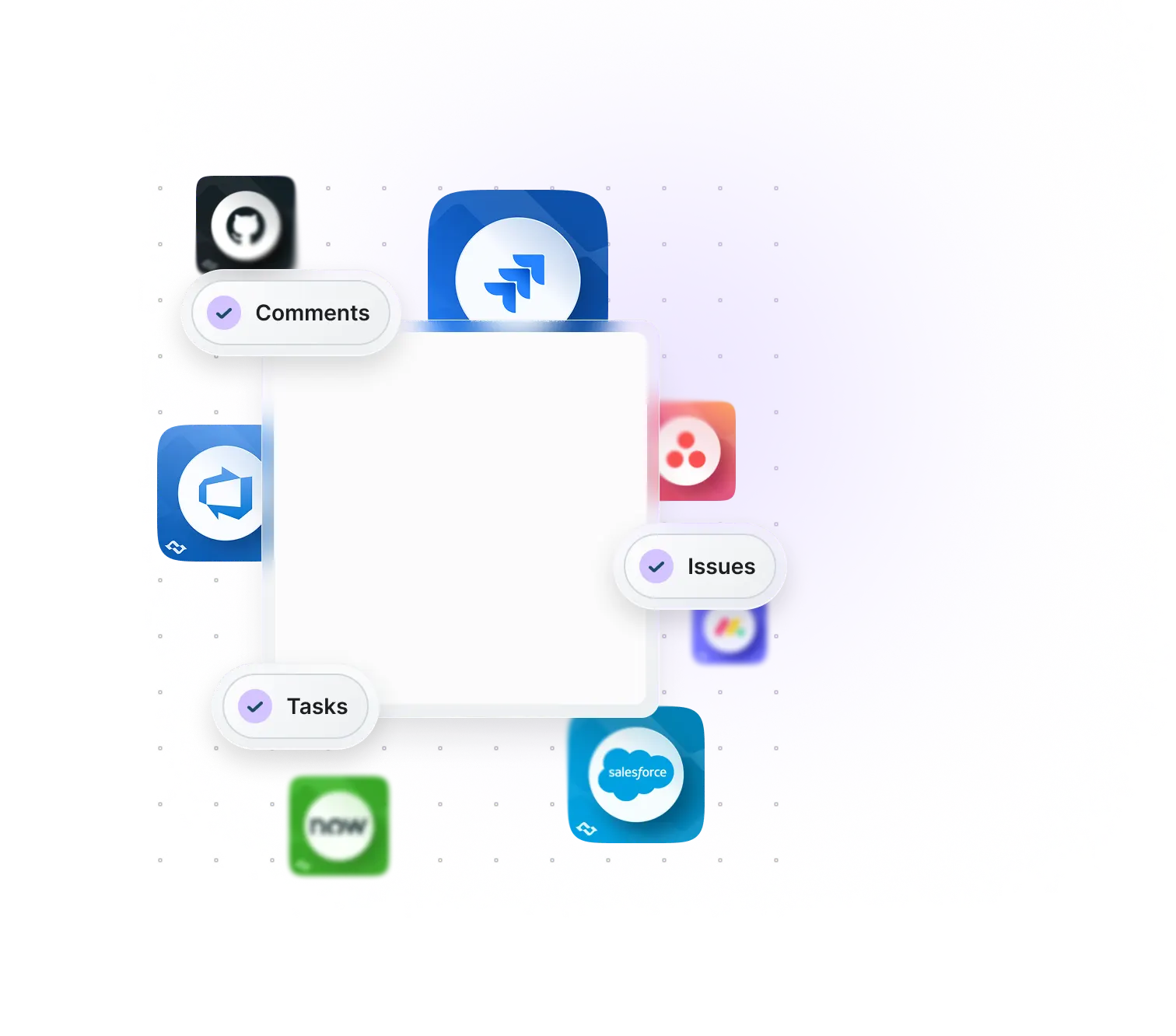
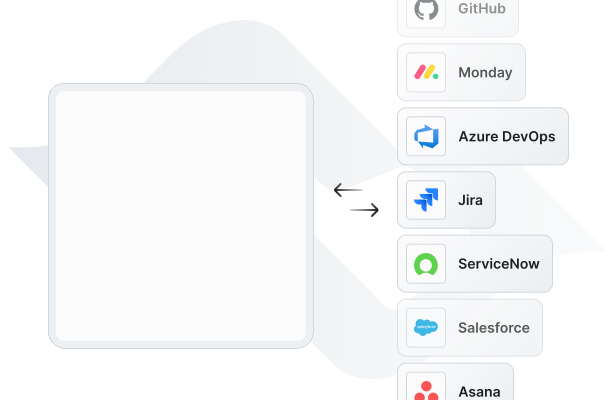
Effortless Two-way and One-way Jira Integrations
Getint syncs Jira issues, custom fields, comments, attachments, and workflow transitions with Azure DevOps, ServiceNow, GitHub, GitLab, Salesforce, Zendesk, and 20+ other tools — including Jira-to-Jira across multiple Jira instances. Two-way sync keeps Jira work items updated automatically in both directions. Field mapping is fully configurable per integration, including all Jira custom fields and issue types. Supports Jira Cloud, Jira Data Center, and Jira Server.
Our Certifications





Partnerships





Create Seamless Workflows
with
Jira
Integrations


















One-to-One Jira Integrations
When two systems need to connect directly — one Jira project to one external tool — a one-to-one integration is the simplest approach. Common setups: Jira Cloud syncing Jira issues with Azure DevOps work items, or Jira Data Center linked to a ServiceNow environment. Custom fields, statuses, and assignees all map across with configurable field mappings and sync filters per project or issue type. Supports Jira Cloud (OAuth authentication), Jira Data Center, and Jira Server (personal access token).
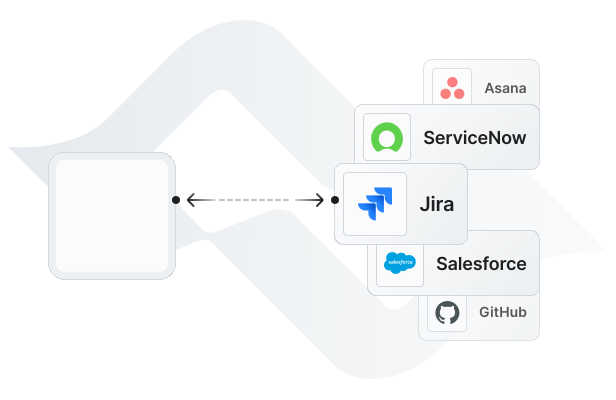
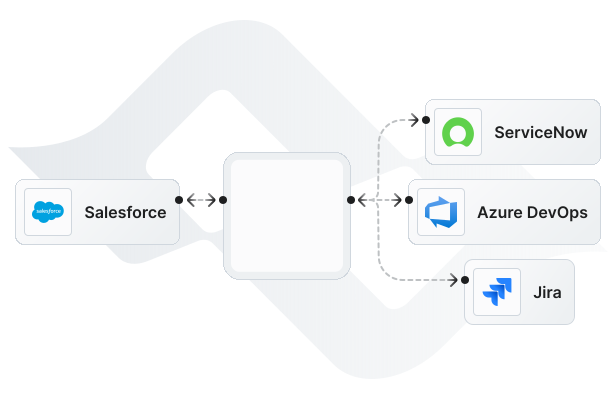
One-to-Many Jira Integrations
One-to-many integrations connect a single Jira project to multiple external tools simultaneously — for example, syncing Jira issues to both Azure DevOps and ServiceNow from one configuration. Also supports routing work items into multiple Jira instances, each with independent field mapping and project routing. Each connection maintains separate sync rules, filters, and Jira automation triggers — a Jira work item can sync a different set of custom fields to each connected tool.
Customize Your Integration with Flexible Field Mapping
Sync tasks, issues, and statuses across platforms. Integrate comments, custom fields, assignees, and labels with full flexibility. Whether you’re connecting tools to streamline workflows or migrating data between systems, our comprehensive solutions ensure a seamless, no-code, and reliable integration experience.
Why choose
Getint
for
Jira
integrations?
2-way Sync
Maintain a single source of truth with automatic cross-platform updates.
SaaS / On-Premise
Choose cloud or on-premise deployment to meet compliance and security standards.
Advanced Filtering
Sync only the most relevant data, reducing clutter and complexity.
Auto Mapping
Reduce manual work with automated field mapping for a consistent data structure.
Reporting with Logs
Receive instant alerts to quickly identify and resolve integration issues.
Enterprise Security
Protect sensitive data and maintain compliance with enterprise-grade security.
Hear what our happy Clients
& Partners say
Our clients and partners are at the heart of everything we do. Their success stories and positive feedback speak volumes about the value and reliability of our integration solutions. Here's what they have to say:
Schedule a Free Demo with our Integration Expert
Discover how seamless and efficient integrations can be with a personalized demo. Our expert will walk you through the process, tailor the session to your specific needs, and answer any questions you have about connecting your tools effectively.

Fair Pricing
We believe in offering a pricing model that prioritizes transparency, fairness, and value for our users. Our approach ensures that you only pay for what you truly need, without unnecessary extras or hidden surprises.
Pay just for one app
fixed fee you can trust—pay for a connection, no surprises.
No hidden costs
ensuring completely transparent, predictable pricing.
Unlimited usage
of fields and projects at no extra charge.
Fair migration cost
based on the number of events, not company size, ensuring fairness for all organizations.
Getint's Support Portal
The Getint Support Portal covers Jira integration setup end-to-end — authentication configuration for Jira Cloud, Jira Data Center, and Jira Server, field mapping references, sync filter setup, and troubleshooting guides per connector. All integration activity is recorded in full audit logs, giving Jira admins visibility into every sync event, error, and configuration change for compliance and debugging purposes. Getint is ISO 27001 certified, SOC 2 Type II audited, and GDPR compliant. Deployable as SaaS or on-premise for organizations with data residency or network isolation requirements. Enterprise plans include SLA-backed support with dedicated response times.
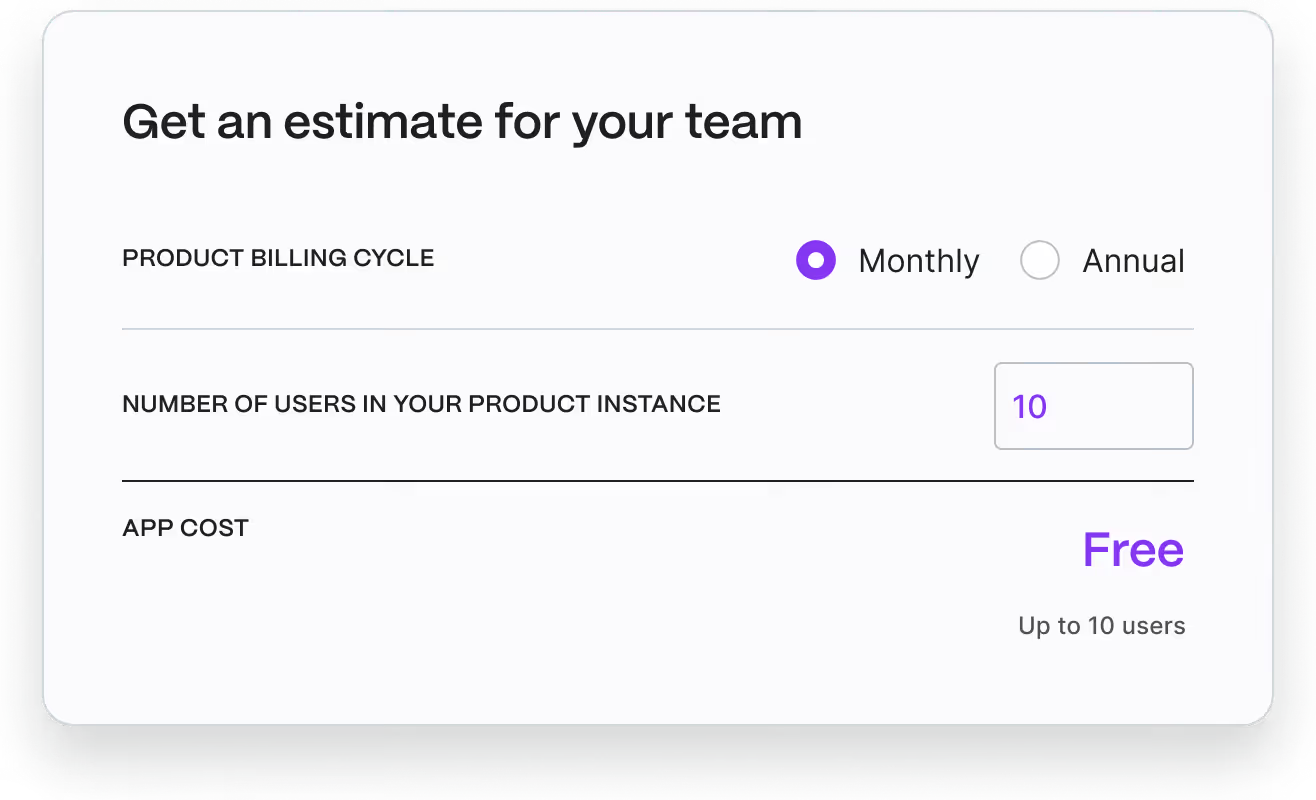
Check Pricing Tailored to Your Team
Finding the perfect plan for your team is easy! Our pricing is designed to fit organizations of all sizes and needs. Visit the Atlassian Marketplace to explore detailed pricing options and choose the plan that’s right for your workflow.
Have questions?
We've got you!
Our comprehensive FAQ section addresses the most common inquiries about our integrations, setup process, security, and more - making it easy to find the answers you need quickly.
What can Jira integrate with using Getint?
Getint connects Jira with Azure DevOps, ServiceNow, GitHub, GitLab, Salesforce, Zendesk, Freshservice, Freshdesk, Monday.com, Asana, HubSpot, ClickUp, Wrike, Trello, Notion, Airtable, Jira Service Management, and Jira-to-Jira (multiple Jira instances). All integrations support two-way sync of Jira issues, custom fields, comments, attachments, and workflow transitions. Getint is available on the Atlassian Marketplace and supports Jira Cloud, Jira Data Center, and Jira Server.
Does Getint support bi-directional integrations for Jira?
Yes — Getint supports both one-way and two-way Jira integration. You configure sync direction at the integration level and per individual field: push Jira work items to another system, pull external data into Jira, or set up full bidirectional sync where changes in either tool update the other automatically. Jira Software and Jira Service Management are both supported. Sync direction can be set differently per field — for example, syncing the summary field bidirectionally while keeping the assignee one-directional.
Which Jira data and field types does Getint sync?
Getint syncs Jira issues across all standard issue types — stories, tasks, bugs, sub-tasks, epics — along with issue statuses, priorities, assignees, reporters, labels, components, fix versions, sprints, and attachments. Comments sync bidirectionally including internal comments where supported by the connected tool. Custom fields are fully supported: text fields, number fields, date fields, dropdowns, multi-select, and user picker fields all map to corresponding field types in connected platforms. Auto-Mapping aligns common fields automatically; manual field mapping is available for every field pair including Jira custom fields with non-standard names.
How does Getint authenticate with Jira Cloud and Jira Data Center?
Getint connects to Jira via the official Jira REST API. For Jira Cloud, authentication uses OAuth authentication — admins authorize Getint through the standard Atlassian OAuth flow without sharing credentials. For Jira Data Center and Jira Server, Getint connects using a personal access token generated in Jira's user management settings. Since Getint is available on the Atlassian Marketplace, the installation process follows standard Atlassian app procedures. Getint is Cloud Fortified — meeting Atlassian's highest security and reliability standards for cloud apps.
Does Getint support Jira Data Center and Jira Server?
Yes — Getint supports Jira Cloud, Jira Data Center, and Jira Server. All three deployment types are supported as both source and target in any integration, including hybrid configurations (for example, Jira Cloud syncing with an on-premise Jira Data Center instance). Jira Data Center and Jira Server connections use personal access token authentication. Getint can also be deployed on-premise for organizations running Jira Data Center in air-gapped or restricted network environments. For organizations migrating from Jira Server to Jira Cloud, Getint supports data migration of Jira issues, custom fields, comments, attachments, and related data as part of the transition.

See How We Make a Difference
Every integration tells a story of improved workflows, enhanced collaboration, and organizational growth. Explore how businesses across industries have leveraged our solutions to overcome challenges, optimize processes, and achieve remarkable results.



Experience a smarter way to integrate & synchronize.

















